
Want to turn your WordPress blog into a forum? Or maybe want to add a WordPress-powered forum to your existing blog or website? You can easily do that with the gForums WordPress theme. You don’t need to install bbPress or a different kind of platform/software, all you need is WordPress and the gForums theme.
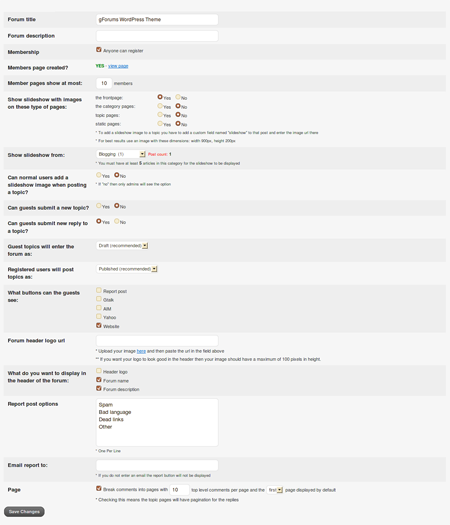
Aside from the basic forum features and options, the gFroums WordPress theme has its own theme functions which include a members page, image slideshow, topic and reply control, report buttons and many more. The gForums WordPress theme has an options page that lets the owner or forum admin customize and configure some of the forum settings.
Screenshots:
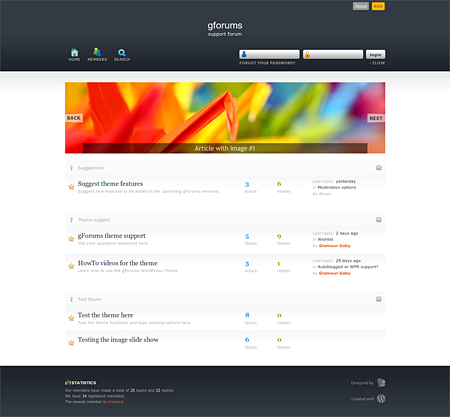
Main page with login










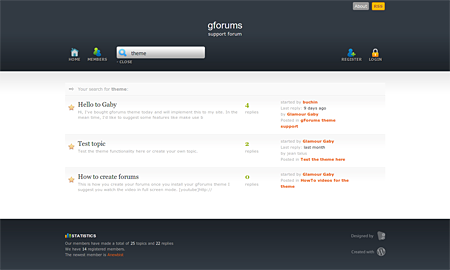
Search
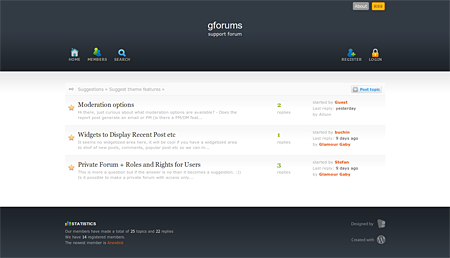
Topics
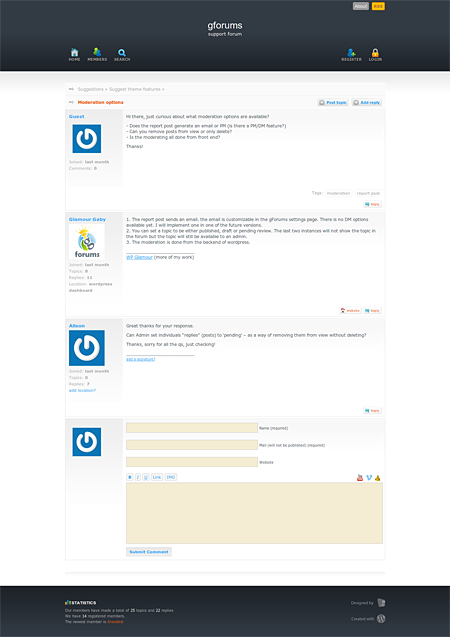
Post
Theme options
If the screenshots aren’t enough, here’s a video walkthrough of the gForums WordPress theme that will give you a better idea on how the theme works.
[flashvideo file=files/gforums_walkthrough.flv /]
For only $29, you get free lifetime updates , full theme PSD file, full icons PSD file and free theme support. Free lifetime updates means you’ll be able to update/upgrade your theme to the newest version that includes new features and bug fixes. With full theme and icons PSD file, you can customize the look and feel of the theme to suit your preference. The theme author will assist you with any inquiries or problems you encounter with the theme installation and configuration.
To learn more about the gForums WordPress theme, you can check out the live demo or visit the official website.
Btw, for those of you who are interested, I’ll be giving away some gForums WordPress theme licenses in the coming days so watch out for it.



that’s pretty awesome :D i’ma have to check this out more for my new upcoming site.
@Joie – Yup, WordPress is not exclusive/limited to blogs anymore like it used to be as it has evolved into a CMS. There are a lot of WordPress-powered websites out there and if you don’t look under the hood, you won’t think that it’s running on WordPress.
The theme looks good and I don’t mind using WP for forum. It’s good to know that WP can be use on almost different type of sites.
@Jhay – I can see your point and what you’re trying to say but then WordPress is not just a blogging software anymore, it’s already a CMS so you can use it for full websites too and with this theme, even a forum.
I know there are a lot of free forum scripts out there but if someone prefers and trusts WordPress, then why not? ;)
Looks great. But I don’t like the idea of using a WordPress install solely to function as a forum, that’s why it’s called a blogging software to begin with and that’s also the reason why there is bbPress.
Call me a WP purist but it just doesn’t make sense to me because again, there are lots of excellent forum scripts out there, most are for free.