
UPDATED: 01/06/07
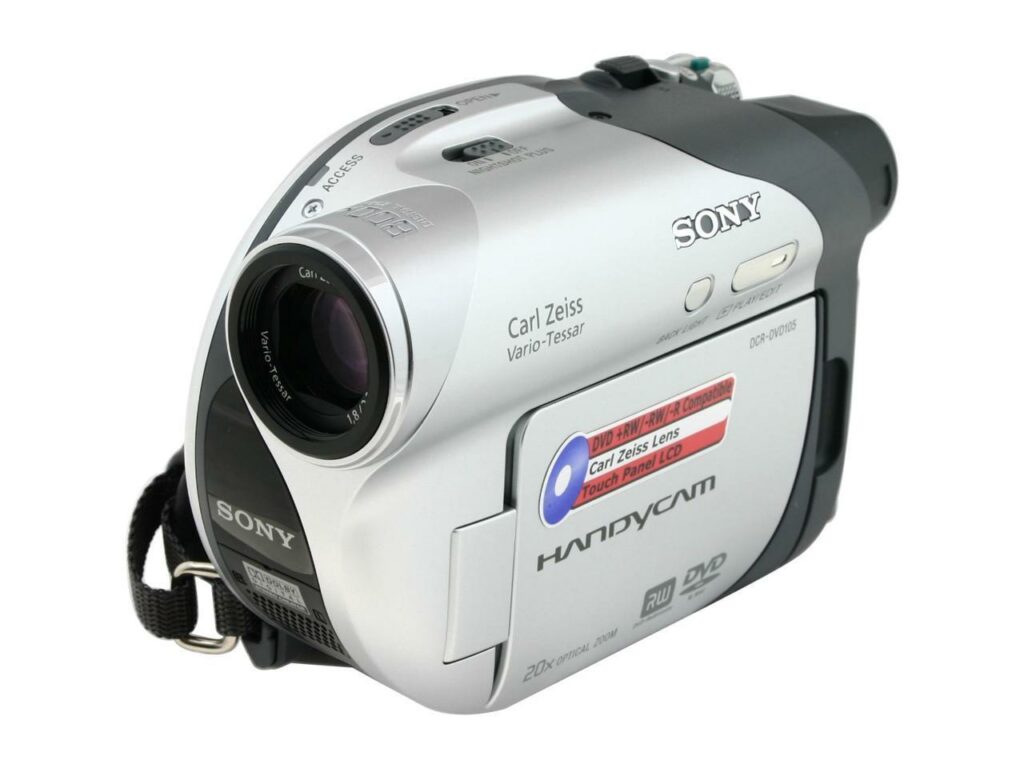
This is my new toy, the Sony DCR-DVD 105. My wife and I got it as a gift from my in-laws.
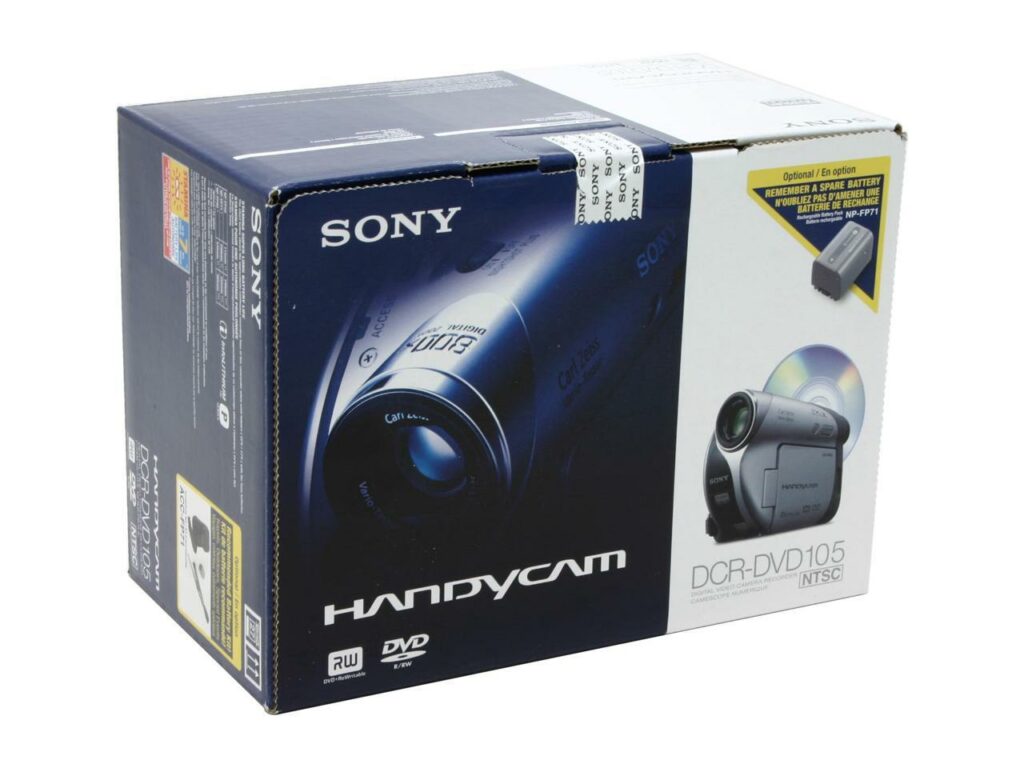
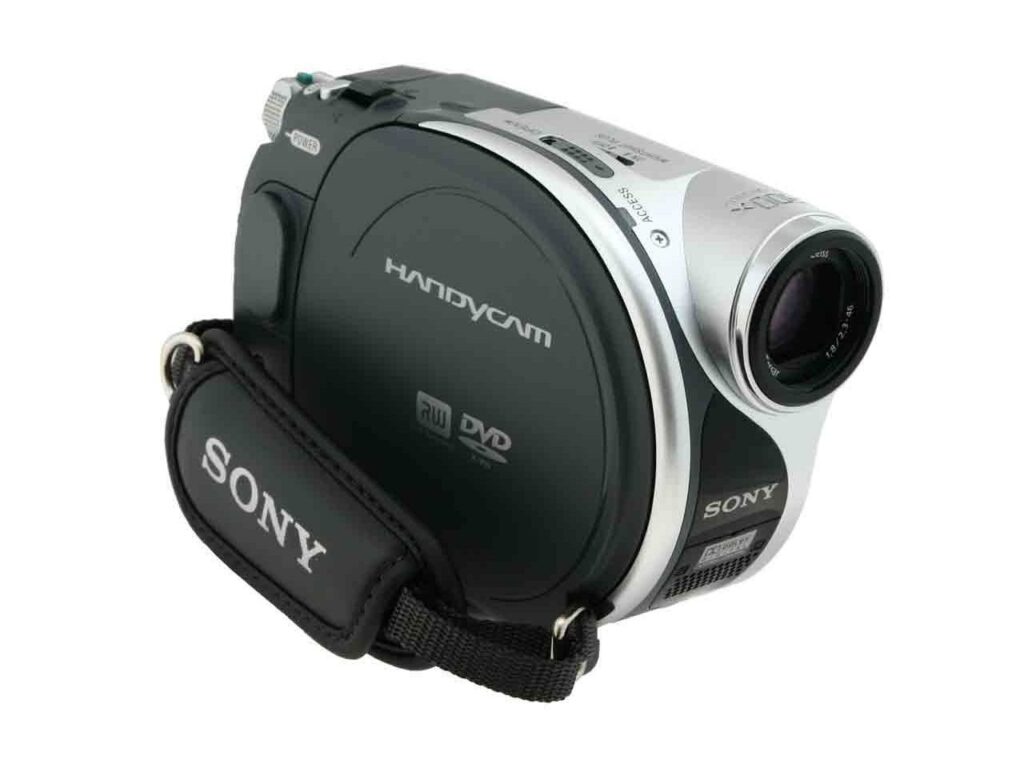
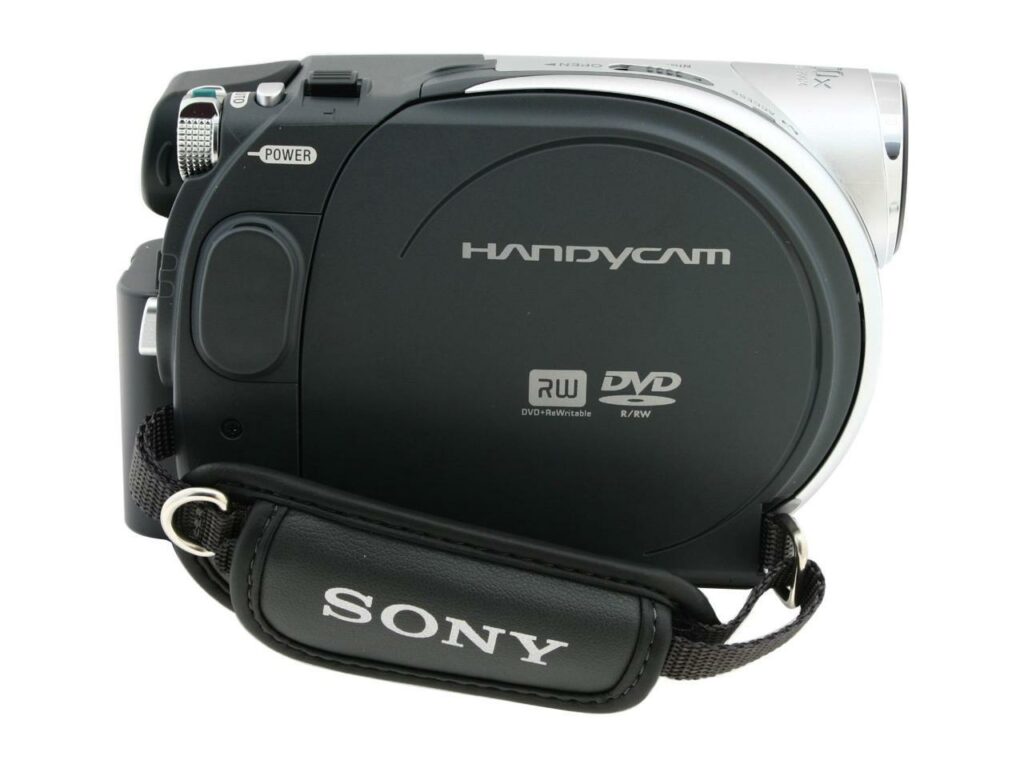
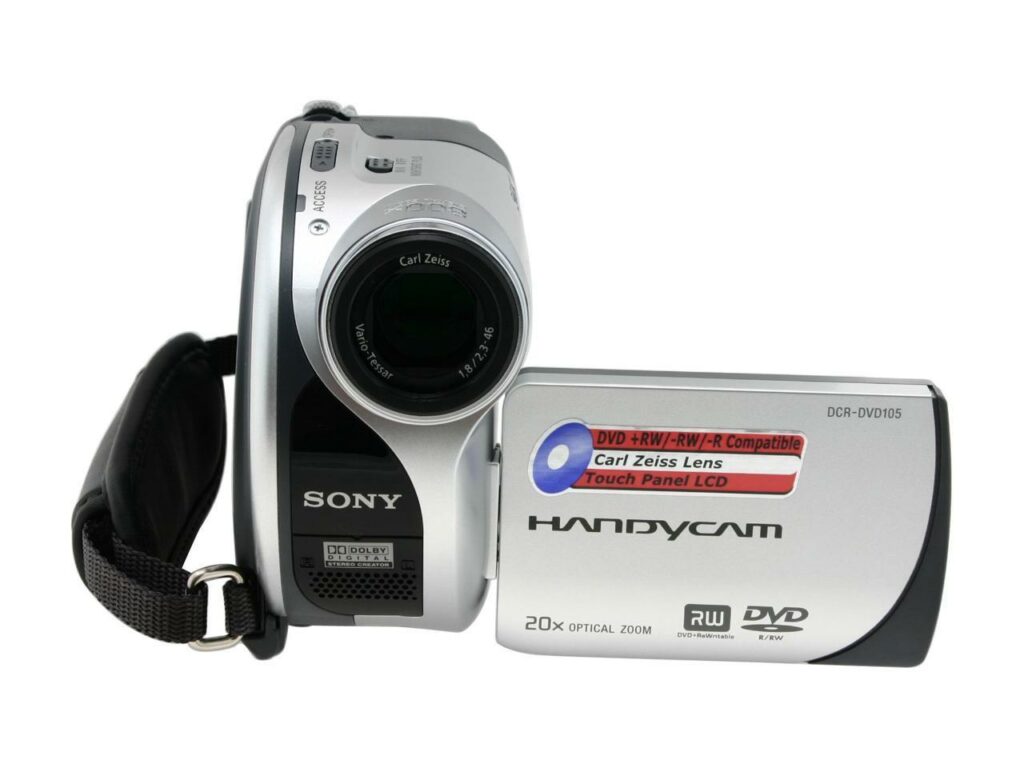
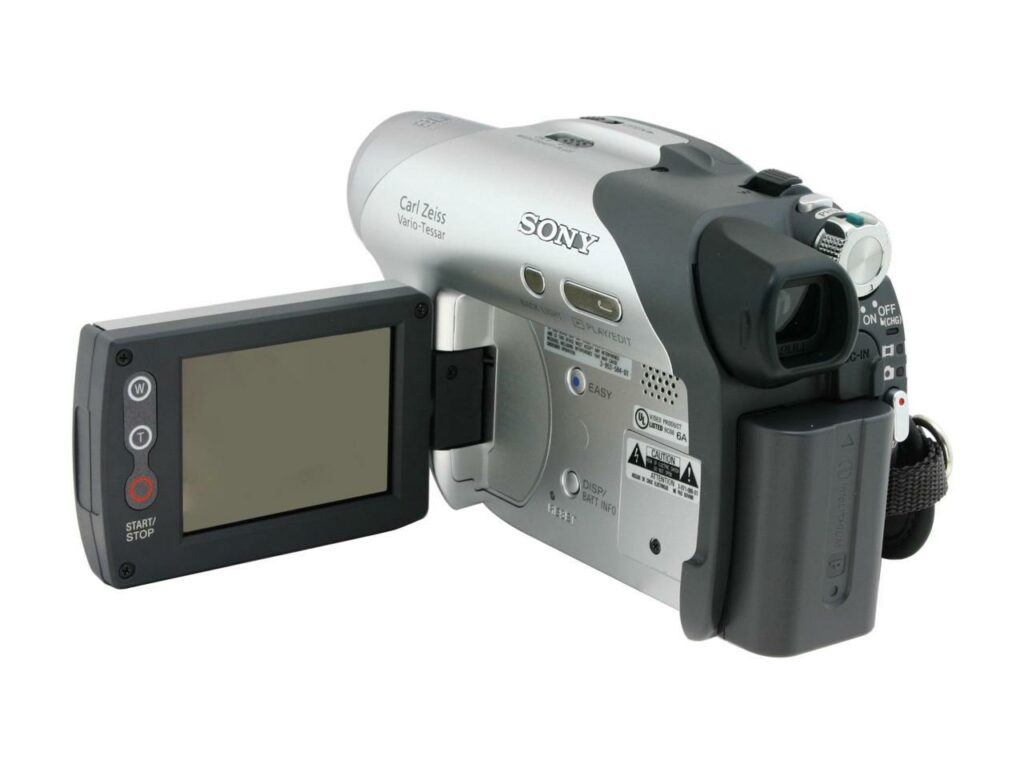
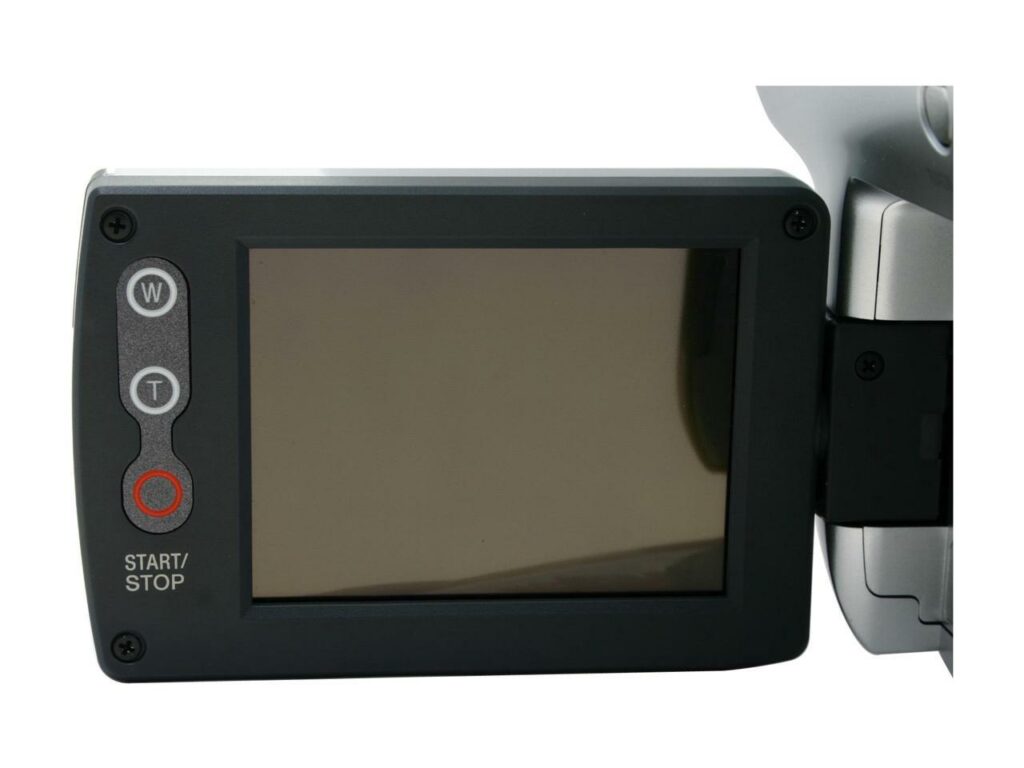
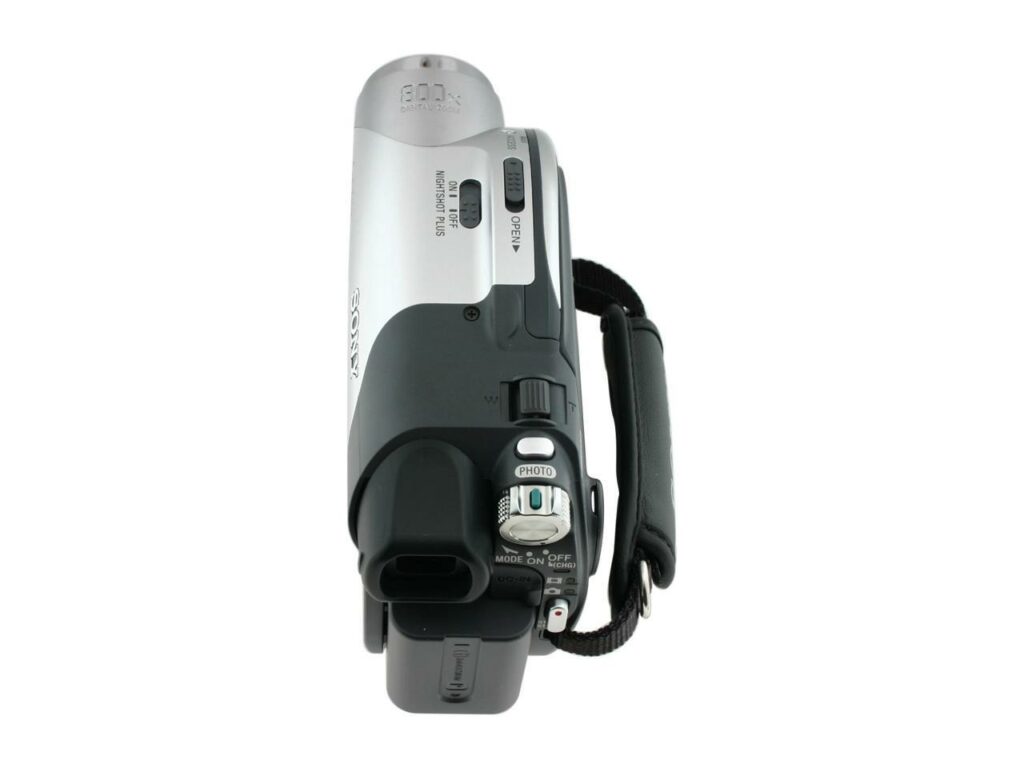
Most of the reviews that I read for this product were positive and on CNET.com, the average user rating for this product was 7, which is not bad. What’s consistent among all the reviews was the great video, audio quality, and its 20x optical zoom. The only problems I read about it were transferring the video and editing the video on the PC. The Sony DCR-DVD 105 doesn’t have a Firewire or USB port because all files are saved into the DVD and customers complain about the software provided which is Nero Express 6.



I searched on Google about this and found suggestions on how to transfer and edit the video files but they didn’t provide a clear solution. So I made a short recording using the camcorder, finalized the disc, and loaded it into my PC. I looked for the VOB file and copied it into the PC and converted it into a WMV file using WinAVI Video Converter. Then I edited the WMV file using Ulead Video Studio 10.
SONY DCR-DVD105 TIPS
Transferring files to PC:
1. Load finalized disc into CD-ROM
2. Browse the disc and search for VOB or JPEG files
3. Copy & paste to any folder in your hard drive
(VOB files can be opened using Cyberlink PowerDVD or any DVD-playing program)
Editing video files on your PC:
You’ll need the following:
1. video converter
2. video editing software
Steps:
1. Load finalized disc into CD-ROM.
2. Browse through the disc and look for the VOB file/s.
3. Using a video converter, convert the VOB file to AVI, MPEG, or WMV file.
4. Edit the file (AVI, MPEG, or WMV) using the video editing software.
There are video converters and video editing software that you can download for free. All you have to do is do a search on Google. Another option is to download the trial version of commercial products. If you’re looking for the Picture Perfect software, leave a comment or contact me and I’ll tell you where you could get it.


I am having a difficult time transferring my handycam recording onto a standard size disk from my computer. My sony dvd model #davfx10 dvd player doesn’t record. I am not very up to date with such things and the reference guide well i am lost.
Is there another type of recorder/ or player i could use to transfer the dvd105 handycam disk on to another disk. I would like to view and record my grandchildrens recordings.
please help
How to link Sony Camcorder miniDVD to the computer for editing and then burning onto normal size DVD? I bear a blotto of MiniDVDs from my Sony Camcorder and I wuld like to delete them on the computer somehow. The included CD is tripe. I necessarily about dear software that will contract this format, blue-pencil it and burn it onto DVD. Whatever it is, refer me! I will learn all suggestions hopefully.
I like the idea of the camcorder and just saw one on eBay for a nominal price. But I am wondering about the ¨bulk¨ of it now that we have smaller cameras that I can easily transfer to my computer. We´ll see. Thanks for the review.
It should have finalized your DVD before you ejected it, so you should be able to put it into your computer.. You will have VOB’s files so you wouldn’t be able to edit them.. I have figured out how to convert them to video on a DVD but I am not at home so I can not tell you what I use but will update you when I can.. I suggest you check your DVD and see if you can get the video’s off before you format.. Good luck.
Hi there,
Could you possibly help with a problem with my DCR-DVD106. I removed the DVD+RW minidisc before finalizing, and now when I put in the DVD to finalize, i’m only being prompted for formatting……can’t view my vid’s anymore, and panicking that they may be lost for good……..
hey,
I have to tell you right off the bat, you’re the only guy so far who has shined a bit o’ lite on this whole…handycam malfunction situation..so THANK YOU! What kinds of software can I use with Windows Vista (coverters and editors)?
my files come out to be VRO not VOB and i cannot edit indivdual clips can you help please
Can i borrow that video cam? Just joking.
May i ask my cost of adding 125×125 bannner in your site?
Pwede P100 monthly
I need your help, I taped my daughters Christmas play, and I cant seem to edit the file.. I was hoping you could help since you seem to have the same camera.. Any suggestions would be great.. One is a VOR file, and two others are VOB nothing I seem to download will edit them.. They are also playing only part of the file.. I know both are at least 15 minutes long, although its only showing about the first 50 secs. Thanks
Hello, In case you do not find the software (Sony was refusing to send it to me), the Super Video Editor deals greatly with the Sony files recorded on the camera.
I have got something called ImageMixer I downloaded Pixela ImageMixer from god knows where if this is what you are looking for we can figure out something but you see I myself has lost the CD and have no idea what was on it.
Perfect Yello
Help help help.
My buddy has just left for Oz for a year and forgot to install the Sony software on his laptop. He’s got the dcr-dvd106 camcorder and I can’t find the software anywhere online. Any suggestions where I might find it?
Thanks in advance.
Hi Jaypee,
I have this sony dcr-dvd106 camcorder for 2 years now before my child is born and still haven’t been able to burn any of my 8 cm dvd to 12 cm dvd’s. my computer doesn’t have a burner, plus I don’t know how to burn a dvd yet. I would like to buy one. would you mind recommending me any burner to buy. I saw this “SONY-20X external double-layer dvd-rw/cd-rw Drive”, “SONY DVDirect 16x external double layer DVD+R/CD-RW Drive” and SAMSUNG SE-S184. I saw them at amazon with a better price than any other stores. I’m really excited to buy one.
Thank you in advance.
I have a DCR-DVD105, and after i finalized the disc it is recognized on my PC but the Disc has nothing in it. It says UDF system.
I can view one side of the disc on the Camera but not the other.
Any suggestions would be greatly appreciated.
I Have the 105 2 years ago and have been buying the Mini CDs to record my Memories. I’m a Little Scared To Finilize Them. So When I Do That I Have To Get Free Software To Even Burn Or Copy To My Computer. Sorry I’m A Beginer At This I Kind Of Need A Walkthrough Please… I Just Want To Show Friends And Family What I Recorded…. Can Anyone Respond Thank You…
Uupps, I made a mistake, I was reading miniDV on the site. I was not converting directly from miniDV, but the mini DVDs that are in my model.
Hello Everybody,
I know know how to convert these Sony videos into avi or any other format without a USB cable, directly from the miniDV.
The so called Super video converter “Simplified Universal Player Encoder & Renderer.” will do everything.
http://www.erightsoft.com/SUPER.html
It is just simply great. Many thanks go to my friend Brigi who was impatient enough to use the cable and came up with the solution.
Hey – great info here, thanks.
My boss has a 105 and I need to know if you’ve ever found a way to use the AV cables with the camera and maybe a 3rd party product to record directly to a PC? I think the mini-dvds are not very reliable…
N
pisstaco108, WHERE DID YOU FIND THE USB CORD FOR THE DVD105 AT? I TRIED THE LINK BUT IT WAS DELETED ON EBAY :razz:
My objective is to edit the video recorded in minidv[Sony DCR-DVD 105] and burn it to a dvd.
So i transferred the files in the minidv to PC with Nero software. Now, I have a folder Video_TS which has 7 files.
Video_TS.BUP, Video_TS.IFO, Video_TS.VOB, VTS_01_0.BUP, VTS_01_0.IFO, VTS_01_0.VOB, VTS_01_1.VOB.
i dont have video converter software but i do have ULead software. I understand from your post that i should convert the file extension from “VOB” to “MPG”. There are 3 .VOB files. which one should i rename and use it for editing? And after editing how do i burn a dvd?
Do i have to convert the converted file back to VOB?
Do i have to burn all the 7 files or only the edited file?
Thank you in advance.
Hello Jaypee,
Your blog looks awfully helpful.
However, I have a DVD201, for which I lost the installation CD and would just like to join Anand Vardhan who reports that the VLC will only play the first few seconds of my mpeg4 video recordings. While that is an advance compared to nothing I wonder whether you may have come across a solution to this problem.
I am myself attempting a couple of other things and if I do find any results I will come back to you.
p::y
@Datajimbo – I see. Thanks for making that clear. Anyway, it’s good to know that you were able to have them fix it for you at no cost at all. Hope your camera gets fixed.
Jaypee,
What I meant to say is that I have used my camera for just 5 hours or 10 1/2 DVD’s when the screen went blank. It was just over the 90 day support from Sony. However, after not taking no for an answer, I was escalated to someone at Sony that is repairing my camera at no cost right now. Take care. Datajimbo
@Datajimbo – You mean, you just had your camera for 5 hours and the screen went poof? Sorry to hear about that. I think you got a refurbished unit and not a brand new one. I’ve heard and read some negative reviews about Digital Nerds. Hope you can have your camera fixed.
Thanks for dropping by and sharing your experience! :)
I had the same problem as Tam :sad: I have just used it for 5 hours and now the screen is super dark, can barely make out an image. Off to the repair shops, maybe I got a remade camera since it came from digital nerds…
@pisstaco108 – I’ve read lots of reviews on this camcorder and one of the common complaints is the lack of USB or Firewire ports.
If you need to transfer files to your pc, then what you need is the Picture Package software.
ok ive just got off the phone with sony customer support and the lady said there is no U.S.B. for this model…..I dont know what to do
Actually the DCR-DVD-105 DOES have a U.S.B. to connect to the computer. Ive had some trouble myself and just bought the wrong cord today. Someone at Circuit city told me it would work and it didnt even fit! plus it was 30 dollars!!
BUT IVE FOUND THE RIGHT U.S.B. on the net.FOR alot cheaper!! HERES THE LINK
@cc – From what I’ve read in the manual and from online forums, this particular model doesn’t have the capability to transfer files or connect to a pc using firewire or usb.
I also have a mac and am looking for a way to connect the sony camcorder to my mac. I thought where the plug for the video adapter is could be used as a firewire or usb plug. reading through the comments, was I mistaken? When looking at yahoo answers, someone said that computer stores sold firewires for this.
@Tam – I see. Sorry to hear about that. So have you had it checked yet?
I figured as much :( It did this before but it stopped, but now the black screen won’t go away.
@Newbie – That’s great! Good for you. So how did you get the replacement? Did you send them an email?
Anyways, I haven’t tried using ImageMixer. What I use for transferring photos and videos from my DCR-DVD 105 to my computer is Picture Package. It’s not that great but it works. :)
You’re welcome!
Hello Jaypee,
Thks for your reply. The installation CD software was ImageMixer. I managed to get a replacement CD from Sony. I will make multiple backups of this CD since you can’t get this software on the net. (Those that are available are “upgrades” which requires you to have the original software installed already)
Gratefully,
Stupid_Newbie
@Tam – Did you check if the lens cap is still there or not? Not trying to make you look stupid but in my experience as tech support, this things can happen.
Did the camcorder get dropped? Or maybe you could be experiencing the same screen problem as Cynthia.
The best thing you can do is have it checked in an electronics repair shop or a certified Sony repair shop.
Sorry bout that. Hope it gets fixed.
When I turn on my camera all I see is a fuzzy black screen. I can record audio, but no video. It’s fully charged.
:( Please help!
Did you ever get this issue resolved about the black screen and no video but audio? if so, what caused it?
@Cynthia – I’ve had the Sony DCR-DVD 105 for 8 months now – taking pictures, recording videos and DVDs and I haven’t had any problems with it.
Btw, what’s wrong with your camcorder’s screen
Not happy with SONY. I purchased the Camcorder SONY DVD105 approximately 11 months ago, recorded about 8 or 9 DVD’s and now my screen is not working. Sony wants to charge me over $220 for labor to replace it. I know other SONY products have had a problem, just wondering if anyone else has experienced it. I know its a newer product but just asking around.
Cyn
@Newbie – What’s the software that came with your DCR-DVD201? Is it also Nero Express 6 or Imagemixer? I think Picture Package would also work.
Btw, since the software came with the video camera, have you tried contacting Sony and telling them about it?
Hello Jaypee / anyone out there
I faced the same problem as Anand Vardhan.
I have a sony camcorder DCR-DVD201, but i lost the S/w installation CD.
Can any kind soul help me to download/retrieve this software/CD?
I am DESPERATE here because I am unable to transfer my recordings to the PC without the ImageMixer software.
Your help is much appreciated!!
Rdgs,
TSH (Stupid_Newbie)
Hey Jaypee, awesome info. Question for you..i tried using vlc after converting the VOB file to mpeg4 as you mentioned ..It does open the chapters in vlc for a flash ( a sec maybe) but goes away..I played around with caching time but no use…any suggestions ? Thanks for your help.Amit
@Ashish – The Sony DCR-DVD 105 doesn't have any usb jack or firewire port so you there's no way of connecting it to the computer. I think other higher models have that feature.
I have camcorder DCRDVD-105,I want to know how to join my cam to computer.I have a usb jack but i donot find where to connect in my camcorder.
It goes on the opposite side of your screen
@surinder – Sorry I don't have time to do it yet coz I'm quite busy. I'll let you know once I found a source online or if I uploaded it myself. :)
@Adam – Thanks for the information you've shared. I'm sure someone will find it useful. Same for me it was given as a gift, so you can't complain about it. Hehe :D
if you're using a Mac, download a free program called MPEG Streamclip. It will allow you to import the dvd files and export to many different formats, (ie: mpeg-4, quicktime, avi, also ipod compatibile.) you can then edit them on your mac using iMovie. only issue is that the slot dvd drive on the mac can't read the mini dvd discs. having an external dvd drive or something that can read these is necessary.
i have the same problem. the camera was given to me as a gift, so i was determined to figure out how to make this work. otherwise, i would recommend a different camera, either with a firewire connection or removable memory. the one advantage of the mini dvd media discs for me is that they're cheap (well.. relatively) and replaceable. you can bring a bunch on a trip and not have to worry about running out of storage space. the "pop it right in a dvd player" thing doesn't really appeal to me that much since i'd never sit through the entire movie, but it's good for people who just want a simple camera.
Hi Jaypee – Did you ever get time to locate the software for me, I will really appreciate your help – Thanks -Surinder
@surinder – You're welcome! :)
Thanks Jaypee, I look forward for your help- Thanks in adavnce again for quick reply..Thanks
@surinder – I'll try to look for an existing cd image online and if I can't find one, I'll try to upload it for you. Might take a while coz I'm quite busy right now. :)
Hi, I got this camera recently DCR- DVD 105 and unfortunately lost the software Nero 6 CD. Is there's any way, I can get the cd or Can anyone load this CD to some site, where I can download the contents and re burn the CD.Thanks in advance. Rgds – Surinder
@raju – I've tried searching for a free program to do that but so far all that I saw where commercial software. It's either you download a trial version and try it. But first, I think you need to download or transfer the VRO files into your hard drive and open them with these programs: TMPGEnc DVD Author 3 with DivX Authoring, VideoRedo or Mpeg VCR.
You can also try these free video editors for Windows. One of them might be able to do that. :)
Hi Jaypee,
My name is raju.
I recorded some videos in VR mode.
Now i want to change these VRO files to .VOB files.
Is there is any free software convertor available to do it. I badly need this conversion. Can you help me out in this regard.
Thanks Jaypee.
Thanks and regards
RAJU
@Tam – You're welcome! :)
@Dawn – This is quite complicated coz I don't have a Mac and I have no way of testing it. The thing is, Sony encodes the video files into an mpeg format that is not compatible with a lot of programs. I don't know if Sony did that on purpose. Btw, are you aware that you can rename the VOB files to Mpeg and WMV extensions. Try to do that and see if it works and if you can edit the files . Let me know if it fails. I'll find a way to test it on a Mac. :D
Hello jaypee,
I too am hoping that you can help me. I have the 105 and my problem is that I have a Mac.(it doesn't read the little disks). I was able to borrow a friends computer (running on windows) to copy the disc to a large cd to play/edit in my Mac. now when I put the disk into the mac it plays fine but it is not formatted correctly to edit. I need to convert it to a wmv,mpeg file. will the same procedure work as previously decribed in this posting on my mac? any suggestions???
Thank you in advance for any help!!!
Thanks so much, I'll keep checking back.
@Tam – You know what, I'm also experiencing the same thing. I still have to figure out how to make that little trash can appear again. Will post it here once I get to fix it. :)
How do you delete clips on the camcorder. I found a trashcan once, but I can't find it again. Thanks so much! =)
@Veritas – Thanks for sharing. I've learned a new way of connecting the camcorder to the pc.
Bout your problem, please check the installation and program settings of Pinnacle on both computers. Also, checkand compare both computer's hardware and drivers. I'm not really sure but the problem could be in one of those areas. Regarding Nero 6, I can't really say. The best thing to do is install it and see what happens.
I'm sorry but as you said, my knowledge is limited and I'm not really an expert in this field. Just trying to help.
Hope you get to fix the problem. :)
Yes
that is correct and now that you mention it it makes sense… we are using a pinnacle tv converter via the AV lead to connect the 105 to the pc….. but the pc / pinnacle doesnt seem to recognise the 105….
it recognises it on another pc …… We already have nero express on this pc ( which I hate using!)… do you think if we install the nero 6 it will recognise it?
I know your knowledge is limited , but we want to find out as much as we can before we have to buy an upgrade.
Thanks…………. Veritas
@Roman – No problem! :)
@Veritas – USB driver? Are you sure you're talking about the Sony DCR-DVD 105? As far as I know, it doesn't need any USB drives coz it doesn't have any way of connecting to a USB port but I know that the higher models do. The only CD rom that that came with the DCR-DVD 105 is the Nero Express 6 CD.
HI there
we need to download a USB driver for our Sony DCR-DVD 105 can you tell us where we can get it? we are using a different PC and dont have the CD rom that came with the camera.
Any help much appreciated
Thankyou
Veritas
Thanks, Jaypee.
@Roman – I'm not sure but I think you can do that with most video editors. What I have here is Ulead Video Studio 10. It lets me capture a video frame and save it as a still image. You can save the captured image in Bitmap or Jpeg format. The pixel count depends on the quality of the video and how good your camcorder is. Hope this answers your question. :)
@Harlan – I'm not an expert in video editing and I haven't used a lot of video editing programs. So I can't really say which is which. However, you can download trial versions of commercial software like Adobe Premiere or Ulead Video Studio and try them out for yourself. There are also many freeware video editors out there. One example is Avidemux.
Picture Package homepage
Can you give me a link to a easy to use (Very Easy) Video editing software program as well as a video converter. I am starting to believe that I am pretty stupid when it comes to computers. Also, if you don't mind, could you send me a link to the picture perfect software.
By the way your blog is awesome!!! Thanks Jaypee
Jaypee,
Since I am new to digital camcorder, is it possible to select a digital frame (treat it like a still picture) from a recorded digital clip? Am I at the mercy of low pixel count?
Thanks.
@Roman – You're most welcome! :)
@Junaid – I haven't tried recording on a double sided disc so I'm not really familiar with it. But anyways, I'll try to look it up and see if I can find a solution to your problem. Bout converting VRO to VOB, I also haven't tried that. I'll try to do it myself, see if it's possible or not. I'll let you know through email if I find one, okay? :)
Thanks for all this info. I hope you will have solution to my problem as well. I used double sided
dvd+RW disk for recording.One side, I recorded in video mode and other side, i used VR mode (by mistake, now i think). Now for VR mode, neither I can finalize or unfinalize. Both fuctions in my camcoder are disabled. However, I can still copy both sides of the disk on my PC HD. Now what I am trying to convert VRO file to VOB file so that I can later join together to form one DVD. Is there any way I can do that…..
Jaypee,
Thanks for the respond. Much appreciated.
@raquel – Nero Express 6 sucks! Hope you find the information here helpful. Let me know if you need any help regarding this camcorder. :)
@Roman – You're welcome! I agree with you about the convenience of a DVD camcorder. This is especially true if you use a DVD-RW for recording.
Regarding your question. If you have the Picture Package software, you can view the individual video and photo files from a finalized disc. You can then select which files to copy and save into your computer. Once you have the files that you want, you can go on and create a new DVD movie or data DVD with the help of a third party program. Yes, you can unfinalize the disc if you want to continue recording.
With this particular model, the Sony DCD-DVD 105 it includes Nero Express 6 but it hardly does you any good. It would be great if you can get the Picture Package software. If you don't have Picture Package, you can try the steps I mentioned in my post or read some of the earlier comments.
Hope I've answered your questions. Feel free to contact me if you have any further questions or inquiries. :)
Thanks for the great forum. I found a lot of helpful info here as I am contemplating to buy a new camcorder for my son and his wife to record the first years of their new baby.
I like the DVD convenienvce. I don't think anybody would be doing much editing, other than maybe chopping off some videos so they could be send as attachments.
My question is, how can a video segment can be created as a file without finalizing the whole disc (what if it has the baby's first steps, but it is brand new disc)? If I have to do it anyways, would I need to un-finalize it in order to continue recording?
As I understand I can copy all files recorded on DVD onto a PC's HD and later create a full size DVD. I will be also able to select only the files I want. Am I correct?
Does any video software come with the product?
Thanks in advance for your reply.
Roman.
This is my first camcorder I bought last year, I have problems figuring out how to use this nero express 6. thanks for the informations, i’ll try to follow it!
@Amitabha – Thank you! :)
Here's the difference between VR and Video mode: with VR mode, you can edit, delete or divide the movie within your camcorder. DVDs recorded and finalized in VR mode can only be played in DVD players that suppport VR mode.
While with Video mode, you can't edit it in your camcorder but after it's finalized, it can be played in most DVD players.
If you have the Picture Package software, you won't have any problems coz you can view and edit the MPEG files individually.
It's a matter on personal preference on which mode you should use. Just choose the one that's easier for you. Hope this answers your questions. :)
Hi,
Thanks for all this information.
I wished to know what are the differences between the two recording modes VR and Video and which should be used?
Thanks
Amitabha
This was very useful information. Thanks.
However can you please explain me the difference between the Video and VR modes of recording and which should we normally use ?
Thanks
Amitabha
@Anand – So basically, you're asking where you can get a copy of Imagemixer Version1.5? I'll try to look for it. I'll let you know once I find one, okay? :)
@Tommy – Do you have the Picture Package software? If you do, you can use the DVD Viewer to view the individual MPEGs on the DVD, not the VOBs. Select the individual MPEG files that you want and put a check on each, then click on Copy to hard disk. Then you can edit each MPEG as you want and use an authoring program to create your own DVD.
You might also want to try these programs that lets you both edit and author VOB files.
– TMPGEnc DVD Author
– Ulead DVD MovieFactory
– Ulead DVD Workshop
Hope this helps. :)
I can burn directly to DVD via Nero software but it's editing I'm interested in.
I copied the VOB files(usually two)and renamed them to various formats like MPEG4/MPEG/AVI… but no application I have tried (Pinnacle, MovieMaker..)can read the files.
I give up.
Hi ,
I have a sony camcorder DCR-DVD201. It records the media to a DVD-R/RW disc.
The product was shipped along with its USB driver and Imagemixer Version1.5 for Sony DVD software.
Unfortunately i lost the s/w CD and adding to it my harddisk also crashed.
Can some please let me know where i can get this software from?
Any pointer’s on this would be helpful.
Thanks
Anand Vardhan
@Tommy – Try to rename the file extension from .VOB to .mpeg4 and open it with VLC Media player. I tried this method and it works fine, audio is perfect.
@Raymond – You're welcome! Glad to be of help. If you burn the VOB files into a dvd as Mpeg files, not all dvd players would be able to play them.
If you want to make sure that it can be played in a dvd player, you have to make it as a dvd movie. You'll need software like Nero or a free program like CDBurnerXP Pro.
Let me know if you have any other problems. :)
Thanks for the tip! After I copy and paste the vob files to my hard drive and change it to mpeg can i simply burn the files onto a dvd-r and hand out copies to relatives? i would really appreciate the feedback, and thanks again
I used the 'Video' format and the process that Luther described and I can import video but there is not audio present. Is this the correct format?
@Tommy – It should be in DVD format. After finalizing the disc, you can view the content of the disc (VOB files and photos) in your computer using Windows Explorer.
Btw, which mode of recording did you choose? Video or VR?
I only got round to trying the suggestion last night and after I finalised the disc and put it in the CDRom drive it was not recognised. It is recognised in the DVD Drive so it seems to me that the finalised disc is in DVD format to play in a dvd player and therefore doesn't allow me the opportunity to view the files on the disc as VOB files or anything else. I only have the option to just play the movie.
Any suggestions?
Feelin stooopid here.
@Luther – Thanks for reminding me about that. I also did this while I was trying to find out a solution and totally forgot about to post and include it to the post. :)
There is an easier way to edit with this camera.
To re-name a VOB file, you must:
Open windows explorer.
Go to "Tools", and select "Folder Options".
Inside this window, select "View".
Scroll down, and un-check the "hide file extensions for known file types" box.
Click "Apply".
Now, simply right-click on your VOB file and change the name. For example, "doggypoopoo.VOB" becomes "doggypoopoo.mpg" Your system will now view this file as an MPEG, and you can edit it in Movie Maker, which you already have on your computer.
@Tommy – You're welcome! I'm glad to know that this post was able to help you in some way. It took me a while to understand how to do it and had a difficult time looking for a solution in the Internet, so I decided to write about it so that people who have questions or problems about it can find an answer.
About how to record from TV, I still haven't used that function. I'll try to do it when I have time and let you know. If you get to do it first, then you let me know how. :)
Thanks for the tip Jaypee.
I bought this model yesterday and couldn't understand how to get the images onto my PC in the correct format. It came with Nero Express6 (not picture perfect) and there wasn't an option to thanks for explaining.
Any idea how to record from TV. The menu doesn't match the instructions in the booklet.
ta.
@jim – Yeah it is quite cumbersome to edit, but transferring it is not that difficult. You just have to copy the files from the finalized disc to your hard drive. Also, you can play the VOB files using VLC player which is free.
Thanks man! I'm still thinking how and where I would post his videos & photos. I was planning of making a separate blog for him. Hehe :D
@bikoy – That's a good idea. But I don't think I have that much spare time to do video blogging. Thanks for the tip though. :)
start video blogging! hehe
Looks like pretty cumbersome to transfer the video. I think the Hard Drive Camcorder is a lot easier. Congratulations anyway. When can see Matt's video posted? :)
@ash – yup, that's the main reason why it was given to us, so we could videotape Matthew and send the videos to his lolo & lola. hehe
WOW. WOW. WOW. This is more than just cool…
Are you gonna document Matthew's childhood?