
Desktop blogging tools, desktop blogging clients, desktop blog editors or offline blog editors. Different names, same set of tools with the same purpose – make it easier for bloggers to publish posts anytime, anywhere. For those who aren’t familiar with what I’m talking about, desktop blogging tools are third party software that let you compose or publish a blog post on your computer without having to login to your blogging account (Blogger, WordPress, MovableType, LiveJournal, etc.) and doesn’t require you to have an Internet connection so you can write or compose a blog post offline. This is very useful for those who travel a lot and those who don’t have a permanent Internet connection.
Some of these desktop blogging tools have a scheduled post feature so you can specify what time you want your articles to be published and some of them also have tools that help you write a blog post better and faster like a spell checker, a WYSIWYG editor, remote publishing and advanced formatting options that let you specify the post structure or insert media files. Desktop blogging tools also let you manage multiple blogging accounts of multiple platforms.
Today, I’m gonna share with you free desktop blogging tools that you can use to help you become a better, more efficient and more productive blogger. Some of these desktop blogging tools are cross platform while some of them only work on one type of operating system or web browser so just go through the list and choose the most suitable tool for you.









Bleezer
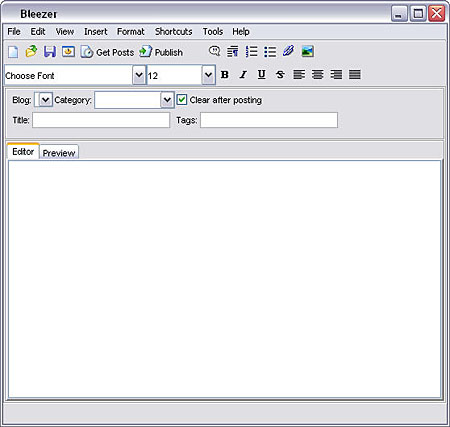
Platform: Windows, Mac, Linux
Supports: WordPress, Blogger, Blojsom, Drupal, MovableType, Nucleus, SquareSpace, TypePad, etc.
Website / Download
BlogDesk
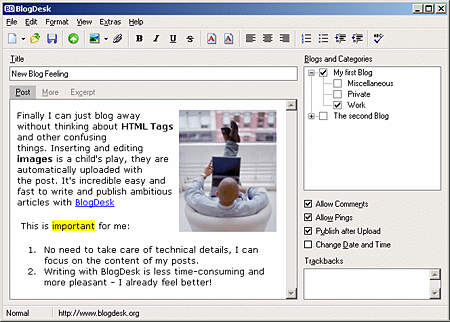
Platform: Windows
Supports: WordPress, MovableType, Drupal, Serendipity and ExpressionEngine
Website / Download
BlogTK
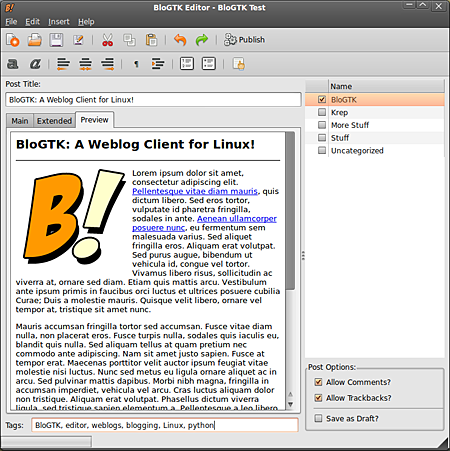
Platform: Linux
Supports: Blogger, WordPress, Movable Type
Website / Download
Deepest Sender
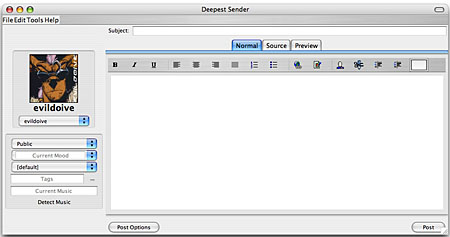
Platform: Firefox, SeaMoney, XULRunner
Supports: LiveJournal, Blogger, WordPress, MSN Live Spaces, meta Weblog
Website / Download
Drivel Journal Editor
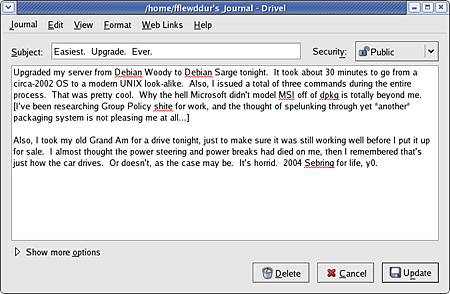
Platform: Linux
Supports: WordPress, Drupal, LiveJournal, Blogger, MovableType, Advogato
Website / Download
Flock
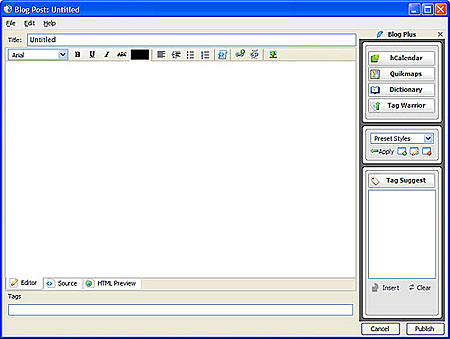
Platform: Windows, Mac, Linux
Supports: WordPress, Blogger, Blogsome, LiveJournal, Xanga, Moveable Type
Website / Download
Gnome Blog
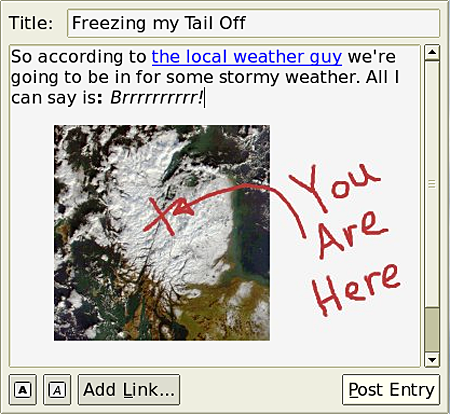
Platform: Linux
Supports: WordPress, Movable Type, Blogger, Advogato, LiveJournal, Pyblosxom
Website / Download
Post2Blog
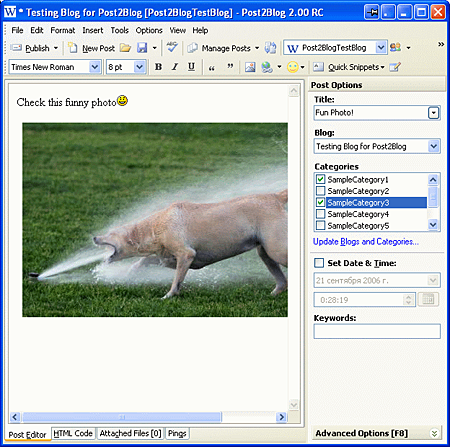
Platform: Windows
Supports: WordPress, MovableType, Blogger, Tyepad
Website / Download
Qumana
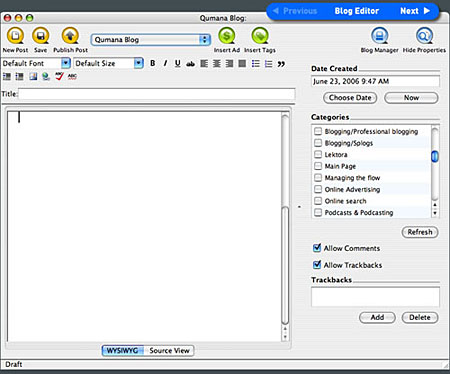
Platform: Windows, Mac
Supports: WordPress, Blogger/Blogspot, BlogHarbor, Blogware, Bryght, DiaryLand, Drupal, LiveJournal, MovableType, MSN Spaces, Tripod, TypePad, Roller, SquareSpace
Website / Download
ScribeFire
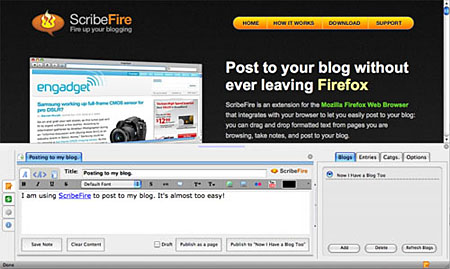
Platform: Firefox
Supports: WordPress, Blogger, Drupal, TypePad, LiveJournal, Windows Live Spaces and more.
Website / Download
Thingamablog
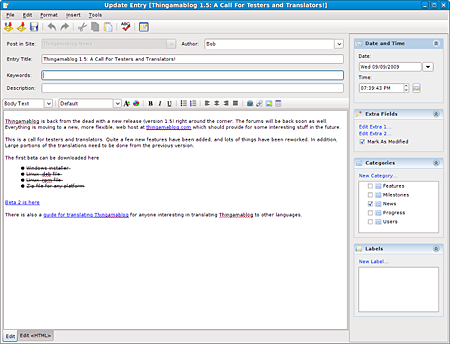
Platform: Windows, Mac, Linux
Supports: WordPress, Drupal, MovableType, LiveJournal, Blogger, Advogato
Website / Download
Windows Live Writer
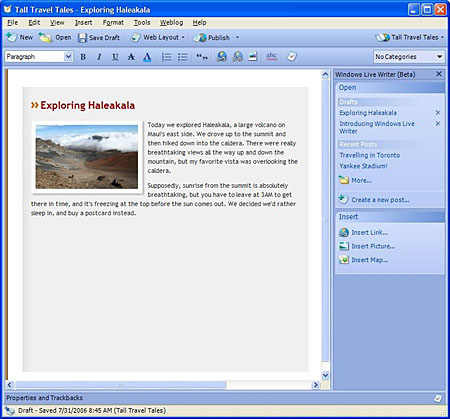
Platform: Windows
Supports: Windows Live Spaces, WordPress, Blogger, LiveJournal, TypePad
Website / Download
w.Bloggar
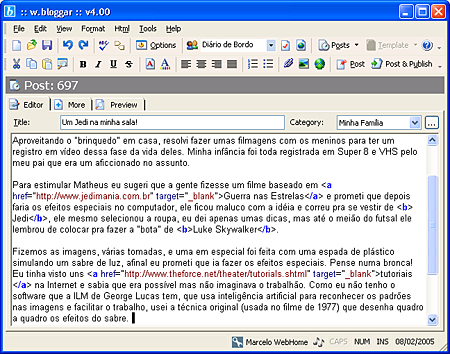
Platform: Firefox, Internet Explorer
Supports: WordPress, MovableType, TypePad, Drupal, b2evolution, Nucleus CMS, Squarespace, etc.
Website / Download
Zoundry Raven
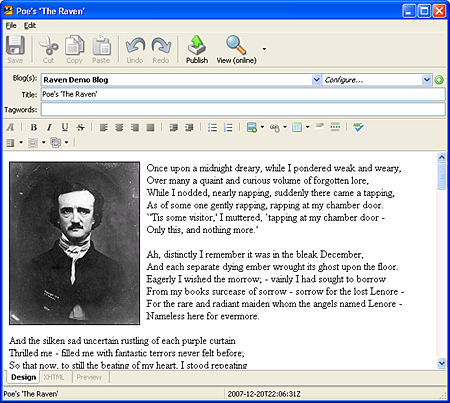
Platform: Windows
Supports: WordPress, Blogger, Movable Type & TypePad, Windows Live Spaces, etc.
Website / Download
Among the desktop blogging tools listed above, the most popular one is Windows Live Writer mainly because it has all the features you’ll need in a desktop blog editor and more and probably also because more people use Windows. So far, the only ones I’ve tried and installed on my computer are Windows Live Writer and ScribeFire. If you know of any other free desktop blogging tool or offline blog editor, please share it with us so I can include it in this list.
How about you guys, do you use a desktop blogging tool or offline blog editor? Anyone else using one of the free desktop blogging tools listed above? Which one is your favorite? Please share your thoughts.



@Carly – Hehe..glad to know that I was able to share something new and useful that can help you with your blogging. Please do let us know if you find one that works for you and your experience using it. You’re welcome! ;)
I had NO IDEA that these things existed – I’m going to try a couple on my Mac and see if the browser one comes in handy too! Thanks :)
@Nathanael – Yeah, although I don’t really use it I tried running it on Wine and it doesn’t work. Hope they make it compatible with Wine or someone comes up with a similar native app for Ubuntu users like us. :D
If you do find one that works on Ubuntu, please do tell so I can share it here with the others.
I’ve been using Windows Live Writer for the past couple of years and have become quite fond of it — so much so that I keep an XP VM around just for it, as it doesn’t run under Wine.
However, the next edition — currently in public beta — doesn’t support XP (Vista & 7 only) so I’m beginning my search for a new blogging tool. Unfortunately, given the state of the art of most Linux-based tools, I’m hoping one of the Windows tools will be Wine-compatible.
Hi JP. Thanks for the round up. What i like the most is Windows Live Writer…
More blessing to you and your family. God speed
Cheers!
any review on which one is user friendly? especially for noobie?
that’s nice!!
@Jena – Don’t worry, you’re not alone. We’re all still learning, its just that some are just a few steps ahead of others. You’re welcome! :D
I’m still exploring and learning. It’s difficult but persistence is the key. Thanks for providing useful information.
@Dennis – Hehe..thanks! :D
Flock is not only a web browser, it has lots of other features and one of it is a blog editor/tool.
Now that’s a list!
I’m confused about Flock, that download link is for the browser itself….AND the blogging tool?
@Heather – Hehe..its all good. Its one of the features that most users aren’t aware of or are barely using on Flock. Yeah, if you use Flock as you main web browser you should try the blogging capabilities. You might like it and make blogging easier for you.
All of these desktop blogging tools have their own strengths and weaknesses and every user will have their own preference and opinion with these tools.
Wow, Jaypee! I’m just blown away. I use Flock as my browser, but I’ve never tried using it to post to my WordPress blog. Maybe I’ll give it a try.
I like the looks of BlogDesk and Blog TK as well.
@Jhay – Aside from ScribeFire, I also have Windows Live Writer installed on my Windows partition. I’m almost always online and I barely use Windows these days so I basically don’t use WLW anymore. Hehe Haven’t tried MS Office OneNote. Maybe you can do a review of it. I use Evernote to take down notes and keep track of my upcoming blog posts/topics. It works fine for me because I have the iPhone app and I can use it anywhere and I’m always connected coz I can use WiFi or 3G. :D
Like I said, I’m almost always online so I use WordPress post page all the time.
The only one I’m using in this list is Windows Live Writer. But lately I’ve been using MS Office OneNote 2007 more often because it’s more powerful than Live Writer and still usable offline unlike EverNote. :P
To be honest though, I still compose 90% of my blog posts in WP’s new post page. LOL
@jan – I also have ScribeFire but I barely use it since I’m online most of the time. Yup, thats basically one of the advantages of using a desktop blogging tool. :)
Ive ScribeFire but I’ve yet to use it. What’s great about them is that you can work on them offline, too.