
WPZOOM, known for their premium WordPress themes has recently released a free portfolio style WordPress theme called Photoria. This is the third time that they’ve created and released a free theme, the first one was the Travelogue theme and the most recent one is the Profile theme back in November, 2009.
From WPZOOM:
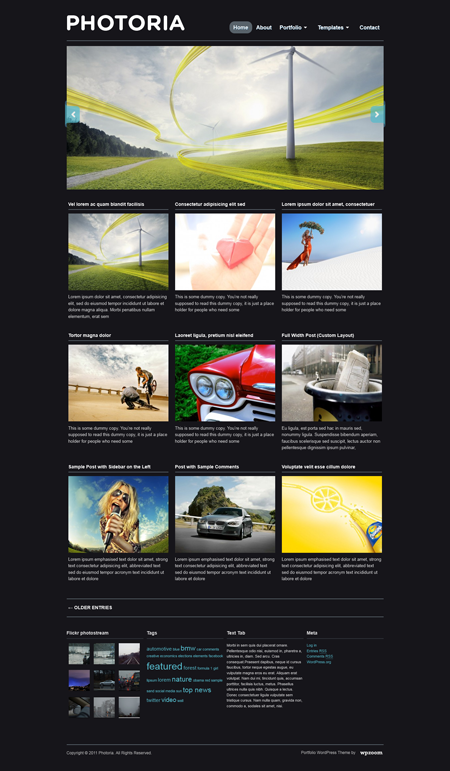
At a closer look you’ll realize that, yet simple, this theme is great for a Portfolio showcasing works of a photographer or designer. Even if this theme is a “free” one, we didn’t hesitate to integrate a great Featured Posts Slider on the homepage of the theme, great for highlighting your greatest works.
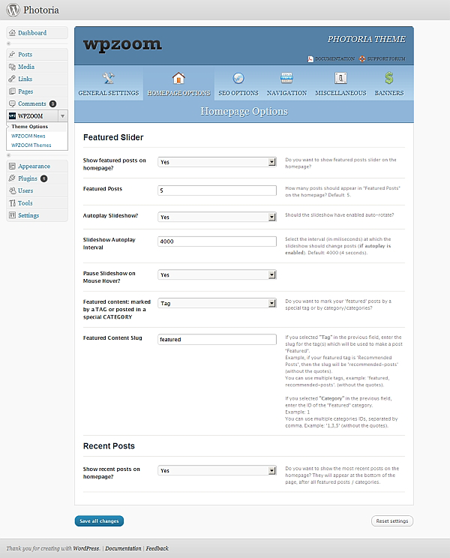
Besides the above described “visual” features this theme has, it is also enhanced with our WPZOOM Options Panel, which allows you very quickly and easy to configure any option of this theme.









Features:
- Featured Slider
- Custom Widgets: Flickr Gallery, Social Profiles, Featured Posts
- Widgetized Sidebar & Footer
- Custom Post & Page Templates
- Gravatar support
- Threaded comments support
Screenshots:
Homepage
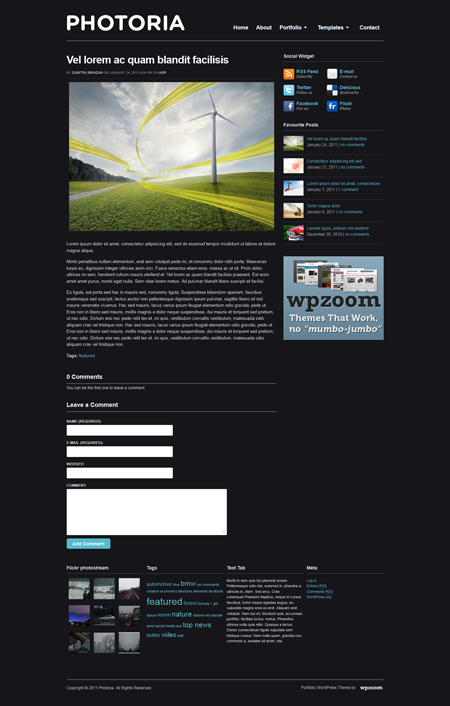
Regular Layout
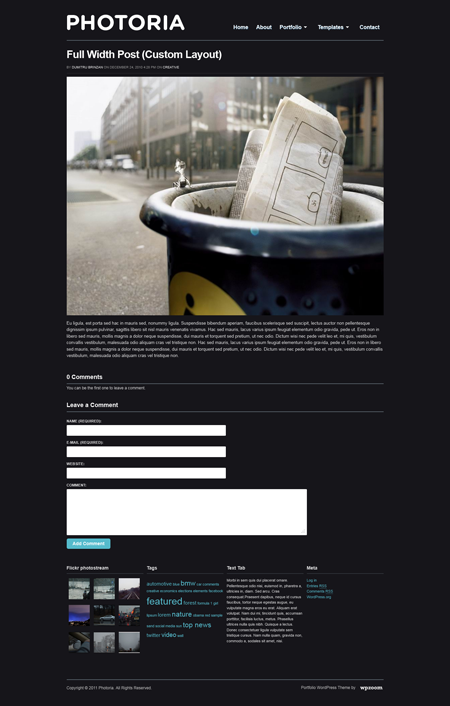
Custom Layout (Full width)
Options Page
Photoria is an awesome portfolio style WordPress theme that’s ideal for designers and photographers who want to showcase their works online. Not only does it look good but it also has very nice features. I’m sure many WordPress users would be able to use this theme for one of their projects, client’s website or their own portfolio.
Kudos to the designer and the rest of the folks of WPZOOM for releasing this nice WordPress theme for free to the community.
Preview or Download the Photoria WordPress Theme.
NOTE: This theme was scanned using the Theme Authenticity Checker and doesn’t contain any hidden or encrypted code.

hey, i started using this theme, but found that it wouldn’t correctly change the title from photoria to anything else. of course, all of the css and xhtml are inaccessible, but i was disappointed that the help forum requires a paid membership! has anyone had this issue and care to give me a pointer in these comments?
otherwise, great theme!
Thanks for sharing sir, Will be launching my photoblog this april and I gonna be considering this one for the theme.:D
@John – You’re welcome! Really? That’s awesome. Make sure to let me know once you launch your photoblog so I can visit it. All the best!
nice photo theme bai.. Thanks for sharing.
@Joie – Yes it is. What makes it even better is that it’s FREE! You’re welcome! ;)