

Quick & Simple Guide How To Migrate WordPress Blog To A New Host
Being witty and offering interesting content isn’t enough today to succeed with your blog. It’s no surprise as there are […]
Being witty and offering interesting content isn’t enough today to succeed with your blog. It’s no surprise as there are […]
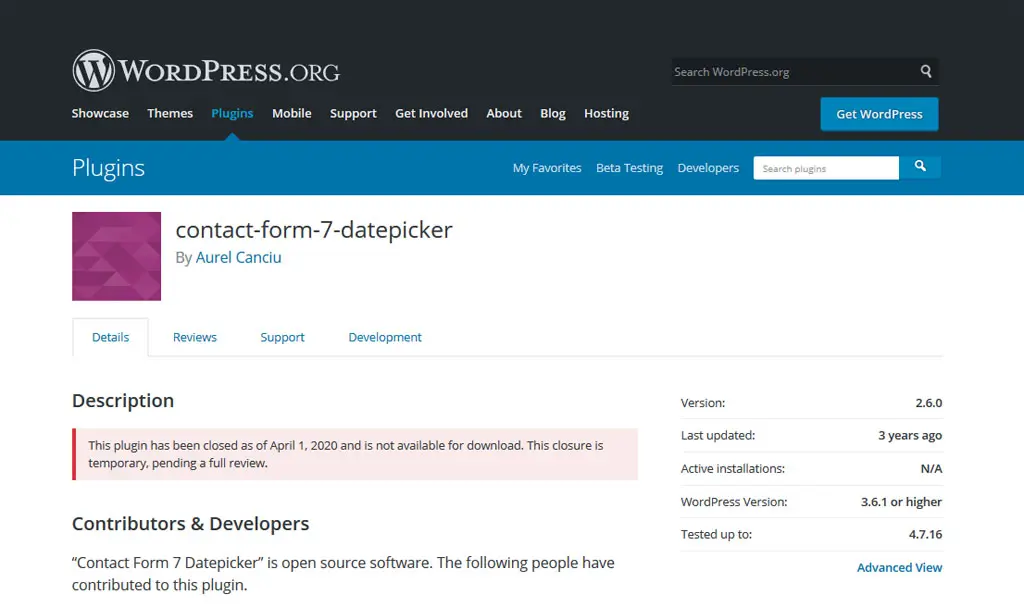
PSA: If you or someone you know uses the Contact Form 7 Datepicker plugin for your WordPress blog or website, […]

UPDATE: THE GIVEAWAY IS OFFICIALLY CLOSED AS OF JUNE 15, 2015. Now that I’ve gone back to blogging, I’m always […]
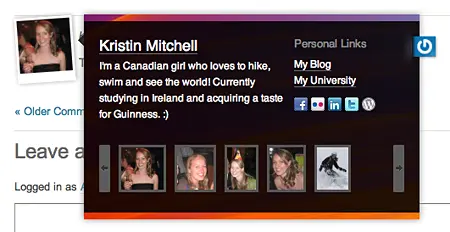
Early this year, Gravatar added full profiles which enables Gravatar users to add contact information (email, instant message & phone […]

Previously if you wanted to provide your readers the option to tweet your blog posts and share it on Twitter, […]

Something interesting caught my attention from the WP Dashboard yesterday, it’s a post from the WordPress blog entitled the Change […]

For those of you who use Firefox, I’m sure you’re familiar with it’s inline spell checking feature. WordPress has it’s […]

Teddy Hwang, a site designer was having a bad week. His creative juices wasn’t flowing and it was affecting his […]