Montage-a-Google


Montage-a-Google

8 Jan 2007 ·

Internet


Montage-a-google is a simple web-based app that uses Google’s image search to generate a large gridded montage of images based on keywords (search terms) entered by the user. Not only an interesting way of browsing the net, it can also be used to create desktop pictures or even posters

I’ve been playing with it and I’m having so much fun. These are some of the ones I made with Montage-a-google.


Spiderman Montage

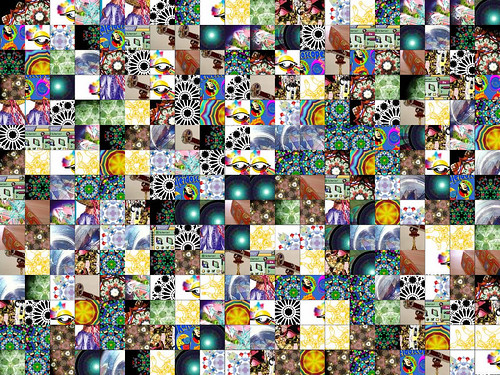
Kaleidoscope montage

Stop Sign Montage

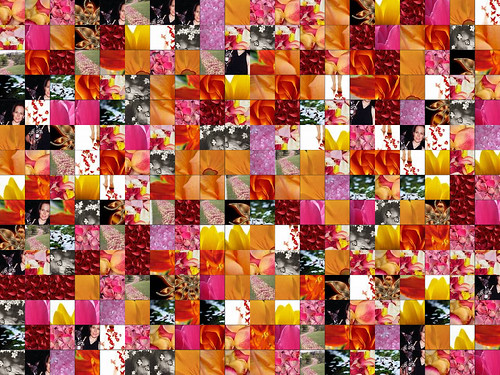
Petals montage

Mona Lisa Montage

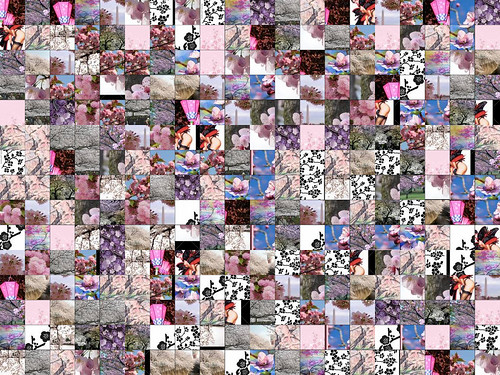
Cherry Blossoms montage

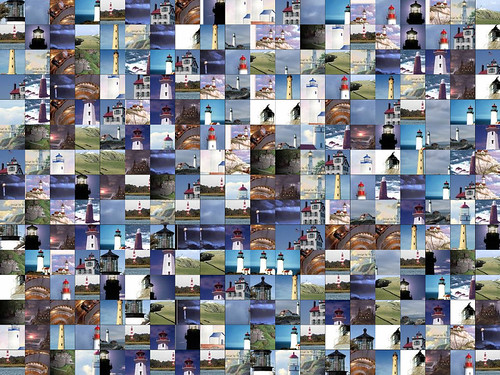
Lighthouse Montage

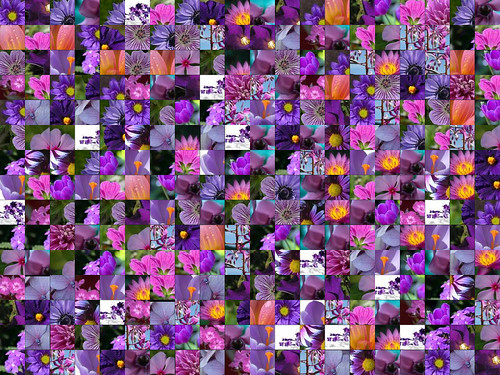
Purple Flower Montage

Click here to view other Montage-a-google creations in Flickr.

Check out Montage-a-Google.


Subscribe to JaypeeOnline's RSS feed  Share this on del.icio.us  Stumble It!  Digg this!  Share this on Facebook  Tweet this!  Share on FriendFeed  Bookmark It!  Submit to Reddit!  Share on Mixx  Buzz It!  Email this story to a friend!
Written by Jaypee Habaradas
Owner and editor of JaypeeOnline. Self-proclaimed geek. New media writer and consultant. WordPress advocate. Loves blogging, gadgets, video games and sports. You can follow him on Twitter @jaypee or Facebook.
Don't miss a single post and receive FREE updates on your email inbox. Subscribe NOW!

Enter your email address:

*Don't forget to verify your subscription by clicking the link on the email that Feedburner will send you.*

Didn't find what you're looking for? Try looking for it again.

Related Posts

Related Ads


, , , , ,

**Comments posted on JaypeeOnline are moderated. I reserve the right to edit/delete comments that contain words or phrases that are defamatory, abusive, incite hatred and advertise an email address, commercial services or spammy.


7 Responses to “Montage-a-Google”

  1. Jaypee Says:

    @John – It’s really addictive at the start but after a while you also get tired of it. Hehe :D

    Reply

  2. John Says:

    Wonderful thing…. but dont be addictive…. ; )

    Reply

  3. Jaypee Says:

    @jim – Better late than never..Hehe :D

    Reply

  4. Jimpur Says:

    I just read the post.. this is very cool.

    Reply

  5. Jaypee Says:

    @ade – Have you tried it? :)

    Reply

Don't Be Shy. Share your thoughts!

XHTML: You can use these tags: <a href="" title=""> <abbr title=""> <acronym title=""> <b> <blockquote cite=""> <cite> <code> <del datetime=""> <em> <i> <q cite=""> <strike> <strong>

Trackbacks/Pingbacks

  1. [...]  When happy, click the “download image” button and save to your [...]