
Ubuntu Studio is a new version of the Ubuntu GNU/Linux distribution, released last May 10, 2007. It is based on Ubuntu Linux, and is optimized for general multimedia production. I’m sure a lot of graphic artists, enthusiasts and professionals would love this and would wanna try it out.
Ubuntu Studio’s kernel was modified into a low-latency state for intensive audio work. Installing it is quite different from most Ubuntu based installers as it installs through the text interface. The installation file is bigger compared to other distros so you’ll have to burn and install it from a DVD. Also, Ubuntu Studio’s default user interface is the Gnome.
Here are the more popular programs that are included in Ubuntu Studio:










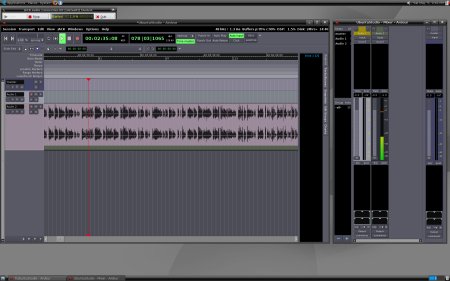
- Ardour 2
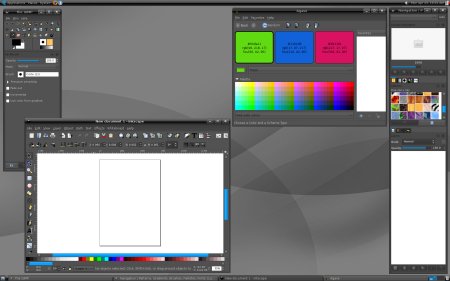
- The Gimp
- Inkscape
- Blender
- PiTiVi
- Kino
- Cinepaint
Aside from these programs, there are also plugins available for RAW camera files and wacom-tools for Wacom drawing tablets and a lot more.
Screenshots:
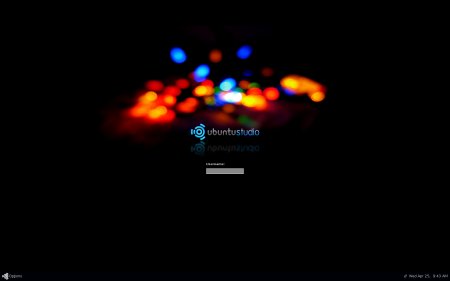
Login Screen
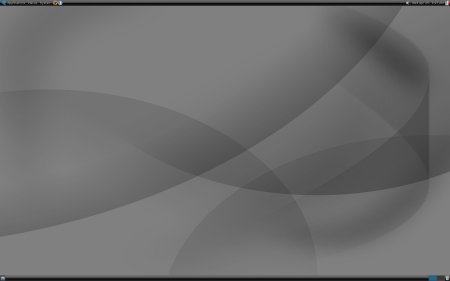
Desktop
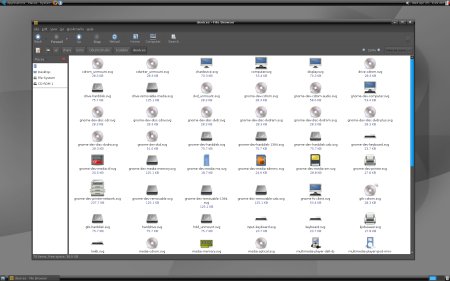
Folder with Icons
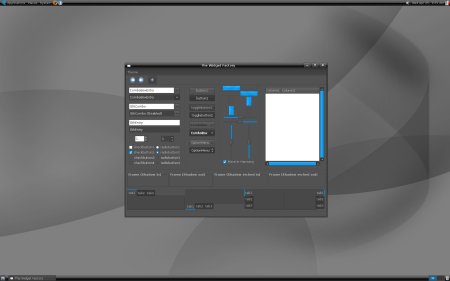
Theme Manager
Ardour 2
The Gimp
I still have to download the installation file but I can’t help but like it just by looking at the screenshots. I love the dark theme! Although I don’t do much graphic or image manipulation or audio editing, I still definitely would wanna try Ubuntu Studio and see how it works. If any of you guys have already tried it, please share your opinions and experiences using it.
Check out or download Ubuntu Studio.
Anyone else currently using or have tried Ubuntu Studio? What are the feature/s you like or dislike? Any new features or options that would want to see added to a future update? For those of you who are graphic artists, enthusiasts and media professionals, is this something that you would consider using? Please share your thoughts by leaving a comment below.



@J David – Yup, it's really pretty! I'm trying to find a dark theme like that for my laptop that's running Xubuntu. :D
I like the look of the OS. Pretty sweet stuff.
@jhay – Cool! So how does he think of it so far? Just looking at the screenshots, I know that the UI is pretty. Can't wait to try it out. :)
My brother has it running since last week. The UI is just jaw-dropping! It's like the Mac but in black.
I haven't been able to play with it or write something about it because it's always occupied by my brother, he's chasing deadlines! ;)
good morning! Great! Another cool way to edit audio and videos. I'll try it just like the blogmusik you reviewed recently. thanks.
PS. Haven't installed the wp update yet. been busy lately. gawin ko maya after my review. thanks again!