JaypeeOnline | Archive | Ubuntu

Archive | Ubuntu RSS feed for this section


HowTo: Disable Ubuntu Unity Interface

18. May 2011 ·

2 Comments

HowTo: Disable Ubuntu Unity Interface

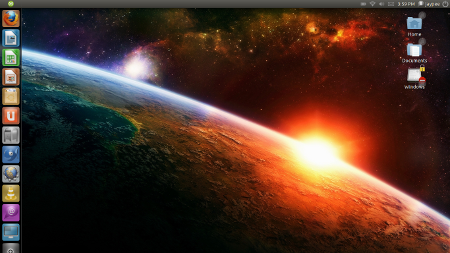
I just recently upgraded my Ubuntu partition to the latest version – Ubuntu 11.04 Natty Narwhal. The upgrade process went smooth although it did take quite a while to finish because my Internet connection was wonky. The first thing you’ll notice when you install or upgrade to Natty Narwhal is the new default interface – [...]

Continue reading...


Now Using Ubuntu 11.04 Natty Narwhal

10. May 2011 ·

4 Comments

Now Using Ubuntu 11.04 Natty Narwhal

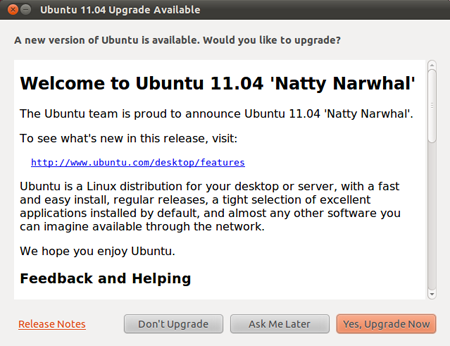
The latest version of Ubuntu, version 11.04 aka Natty Narwhal was released last April 28th. I saw the notification from the Upgrade Manager a couple weeks back but I wasn’t able to do the upgrade until yesterday. The upgrade process went smooth and I didn’t encounter any issues or problems but it did take quite [...]

Continue reading...


HowTo: Install Latest Version of Firefox on Ubuntu

6. April 2011 ·

4 Comments

HowTo: Install Latest Version of Firefox on Ubuntu

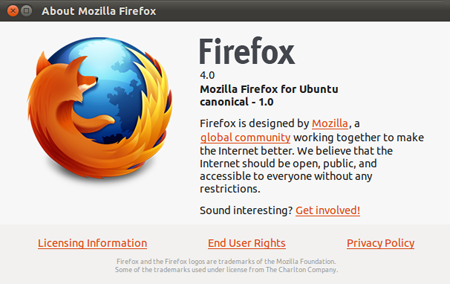
Want to install Firefox 4 on Ubuntu but don’t know how? Don’t worry, I’m here to help you. For software compatibility reasons, Ubuntu doesn’t immediately include newly released programs to the Software Center. That’s why you don’t automatically get Firefox 4 but instead see that the latest up-to-date version on your system is Firefox 3.6+. [...]

Continue reading...


HowTo: Restore Ubuntu Battery/Power Panel Applet

9. March 2011 ·

1 Comment

HowTo: Restore Ubuntu Battery/Power Panel Applet

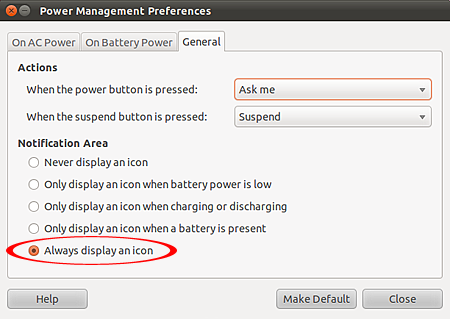
Is your battery/power management icon missing from your Ubuntu panel? That happened to me the other day when I logged in to Ubuntu. I noticed that the battery/power management and network icons where missing from the Notification Area. This isn’t the first time this happened to me so I already know how to fix it. [...]

Continue reading...


HowTo: Fix Ubuntu “Requires Installation of Untrusted Packages” Update Error

4. January 2011 ·

44 Comments

HowTo: Fix Ubuntu “Requires Installation of Untrusted Packages” Update Error

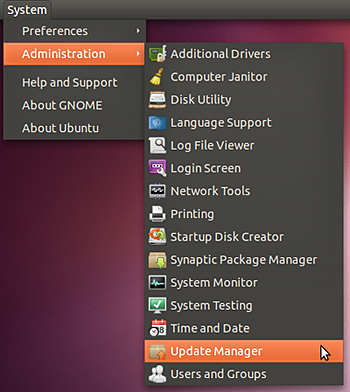
One of the first things I did after I got my Lenovo IdeaPad Y560 was to make it dual boot to Windows 7 and Ubuntu. After I have installed Ubuntu, I immediately run the Update Manager to update the system. Btw, I always update the system (either Windows or Ubuntu) before I install any programs [...]

Continue reading...


HowTo: Install Untrusted Software on Ubuntu

12. May 2010 ·

11 Comments

HowTo: Install Untrusted Software on Ubuntu

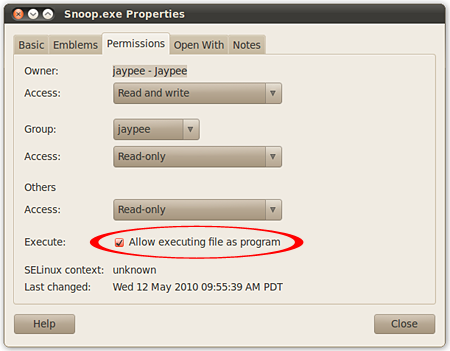
There are times when you have to run files or install software that aren’t part of the trusted Ubuntu repository system. In the latest version, Ubuntu 10.4 Lucid Lynx, all “untrusted” files or software are automatically not marked as executable so you can’t run or install software unless they are manually marked as executable. This [...]

Continue reading...


HowTo: Remove Old Ubuntu Kernels

7. April 2010 ·

15 Comments

HowTo: Remove Old Ubuntu Kernels

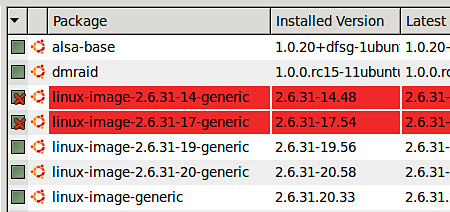
Each time Ubuntu installs a new Linux kernel (upgrade), it leaves the old one installed. It means if you update/upgrade regularly, the Grub boot menu will be filled with all the Linux kernels you installed on your system, even those you no longer need. Btw, this is done purposely to make sure that you can [...]

Continue reading...


HowTo: Create Wine Application Shortcuts on Ubuntu

25. February 2010 ·

8 Comments

HowTo: Create Wine Application Shortcuts on Ubuntu

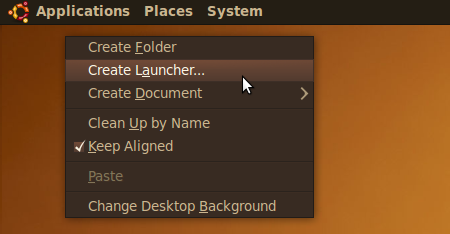
I use the Ubuntu partition on my laptop as my main/work desktop and I barely use Windows because I have all the programs and applications I need on Ubuntu even Windows programs like Adobe Photoshop. Running Photoshop on Ubuntu is made possible by Wine, a software that lets users install Windows software on other operating [...]

Continue reading...


HowTo: Install Adobe AIR on Ubuntu

4. February 2010 ·

11 Comments

HowTo: Install Adobe AIR on Ubuntu

I did a fresh install of Ubuntu 9.10 Karmic Koala a few days ago. I know its a bit late, but the reason why I didn’t do it earlier was because I didn’t want to mess up my customized Ubuntu “Mac” desktop. What made me decide to do a fresh install was because my old [...]

Continue reading...


HowTo: Easiest Way to Install/Dual Boot Ubuntu on Windows

20. February 2009 ·

37 Comments

HowTo: Easiest Way to Install/Dual Boot Ubuntu on Windows

Previously, if you wanted to try or install/dual boot Ubuntu you’d have to use the live CD or create a partition on your computer with the latter being a daunting task for most users, especially those who don’t have much technical knowledge. Now, with the help of the Wubi installer, you can try or install [...]

Continue reading...


HowTo: Update Gaim To Pidgin in Ubuntu

23. August 2007 ·

7 Comments

Whenever you want to update a certain program in Ubuntu, most of the time you do it via the Synaptic Package Manager. Unfortunately this is not possible for Gaim. For Ubuntu users who’d want to update Gaim to Pidgin, you’ll have to do it manually. In this post, I’ll show you the necessary steps in [...]

Continue reading...